Screenshots
A closer look at the KeyLock user experience.
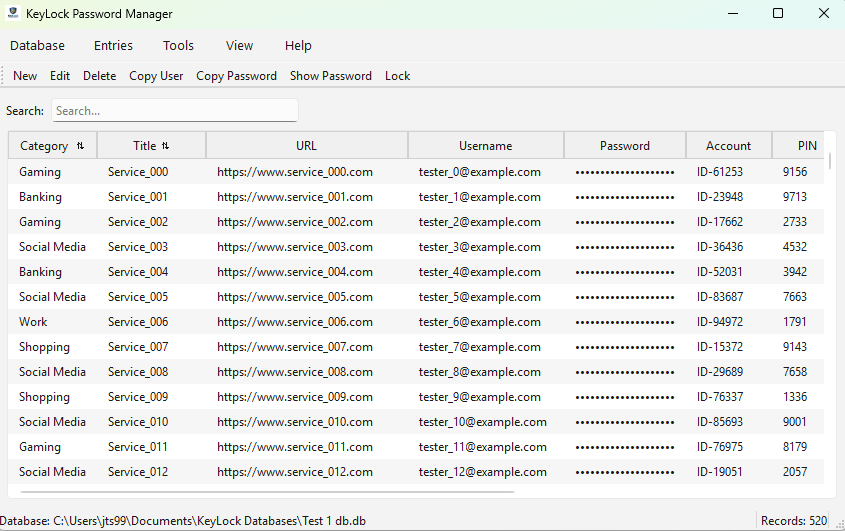
Main Dashboard
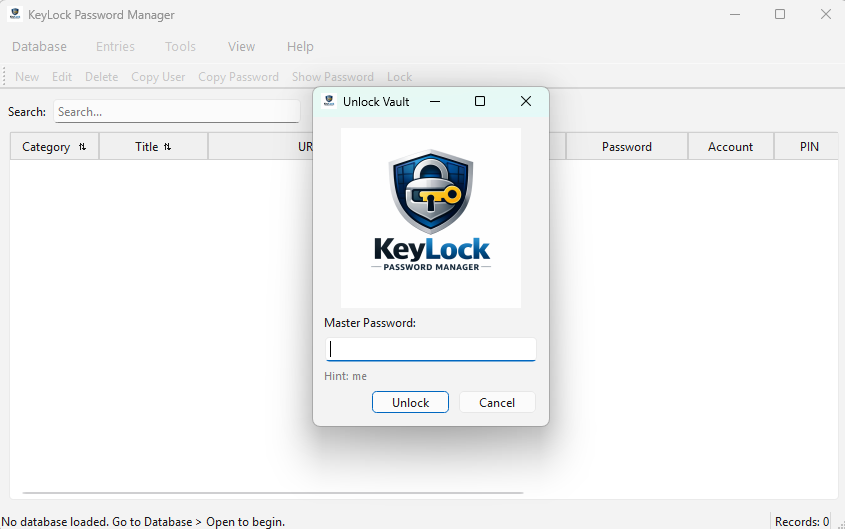
Login Screen
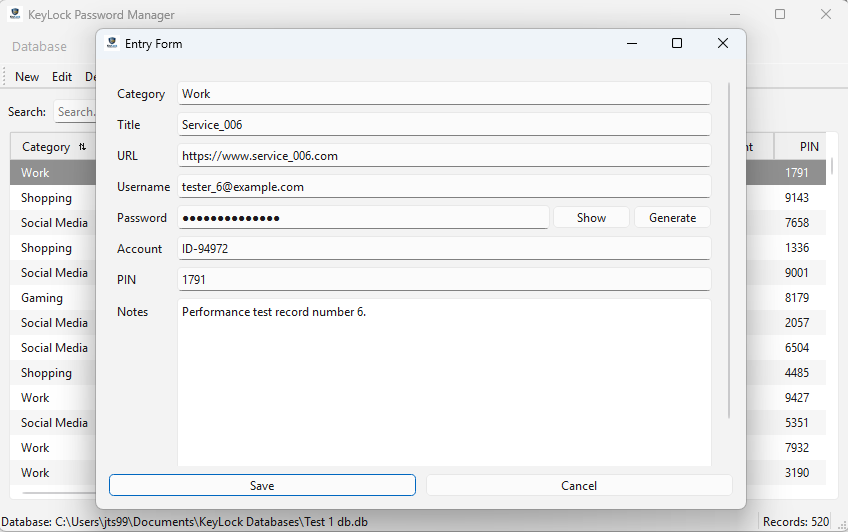
Data Entry Screen
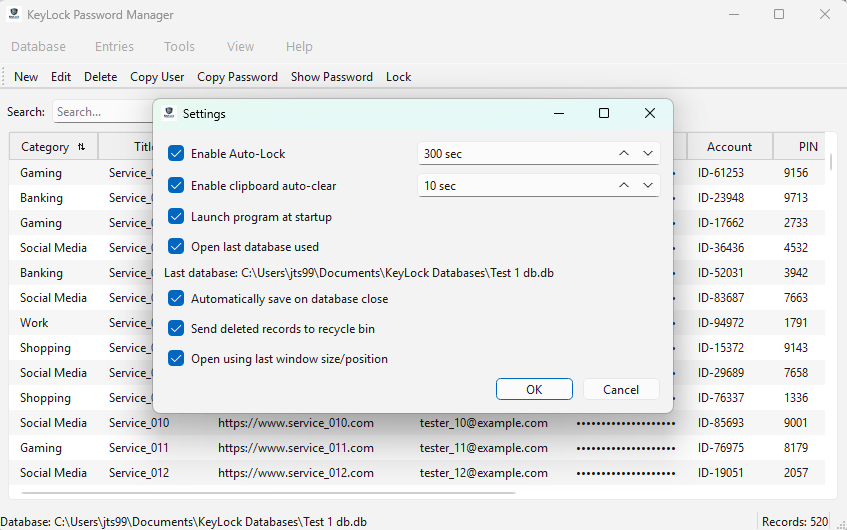
Settings Screen
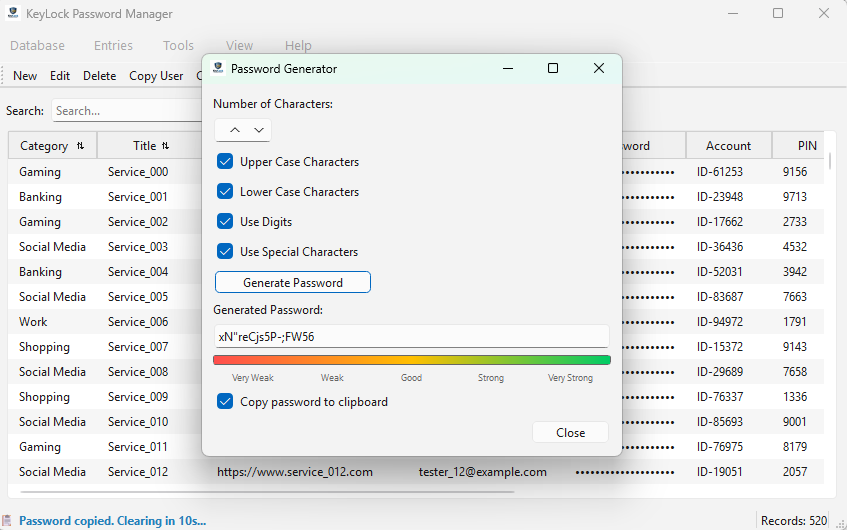
Password Generator
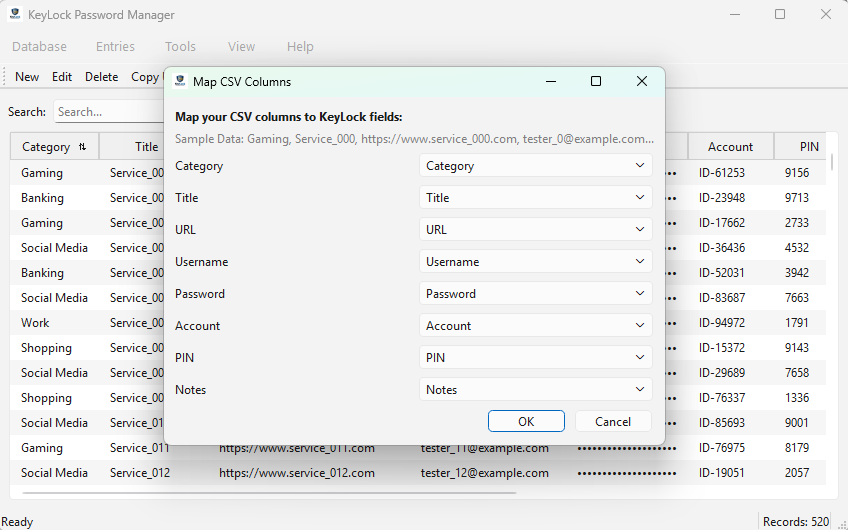
Import Auto Mapping
Commercial Password Managers store millions of password vaults in one place, creating a massive target for hackers. KeyLock lets you store your encrypted vault locally or in your own public cloud.
Download v26.02.6.3 View Source CodeWe utilize PBKDF2 key derivation with a unique salt for every vault. This adds a mathematical shield against Brute-Force attacks.
Your master password is the only key. We don't have a "reset" button because we never have access to your data.
Your vault is locked behind industry-standard encryption, ensuring your data remains unreadable to anyone but you.
A closer look at the KeyLock user experience.
Main Dashboard
Login Screen
Data Entry Screen
Settings Screen
Password Generator
Import Auto Mapping
Choose your preferred version. All releases include SHA-256 checksums.
Recommended: Windows Installer
Download InstallerAdvanced: Standalone Executable
Download Standalone .exeIn an era where personal data is treated as a commodity, KeyLock was born from a simple necessity: Absolute Data Sovereignty.
KeyLock was born from a simple idea: Your data should never be a target. By removing the centralized commercial cloud, we remove the incentive for hackers. Your vault is your own. Whether you keep it on a local machine, thumb drive, Google or Dropbox, you are the only one with the key.
KeyLock Password Manager (Legacy Edition) is free to use, redistribute and open for inspection. You can review our source code on GitHub or get started today by visiting the User Manual.
KeyLock is an independent, open-source project. Your support helps maintain the development of local-first privacy tools.
Safe & Secure Checkout
Venmo Donation:
On your mobile device, search for @JohnStone996 in the Venmo app.